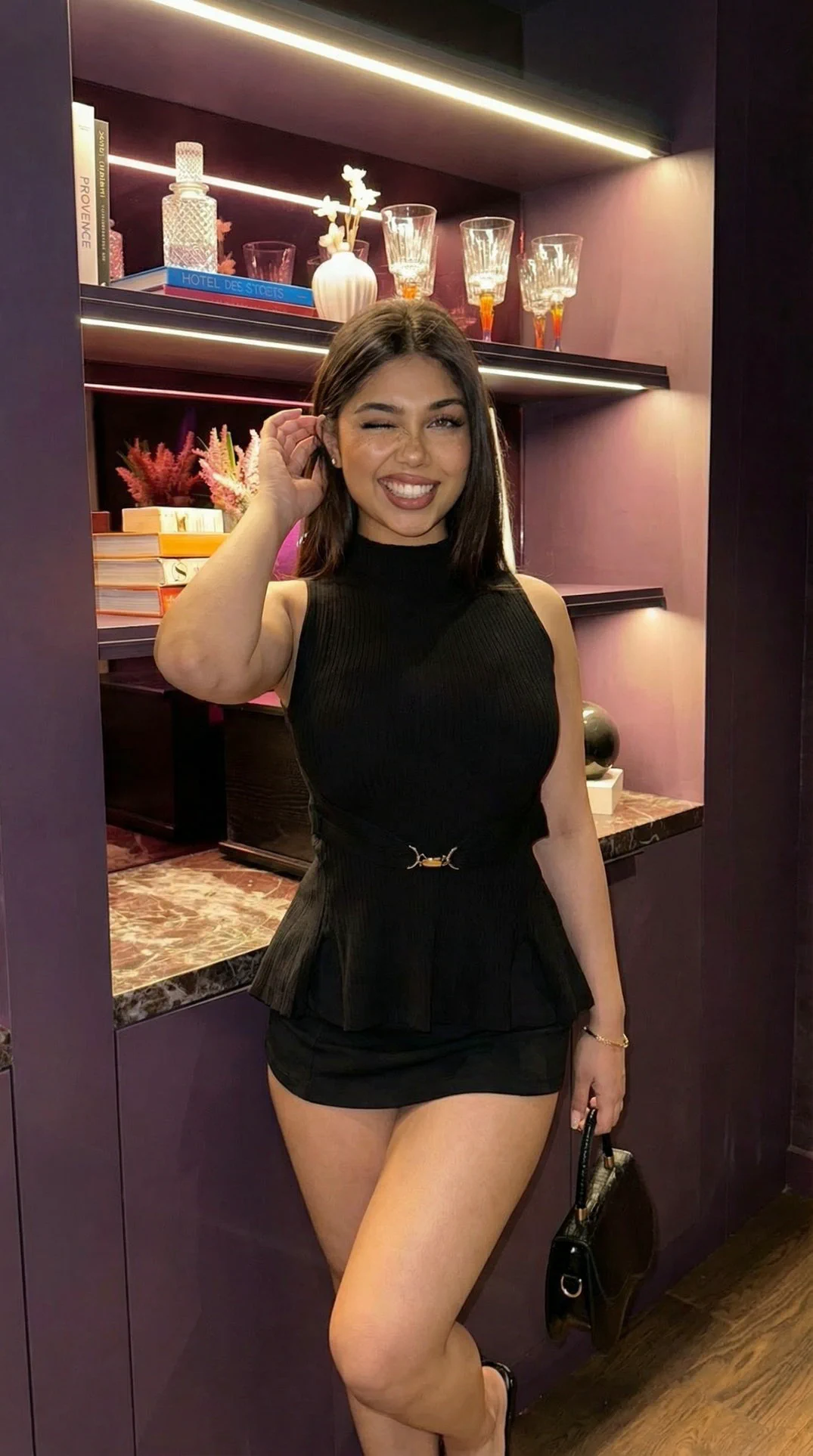
Precision image
GPT 2
- Input
- Prompt, or prompt plus images
- Output
- Square, wide, or vertical
- Quality
- Medium or High detail
Kiara model catalog
A production-style view of every image model currently exposed in Kiara Spicy: what it is for, what it accepts, what it can output, and how to get the best result from it.
Precision image
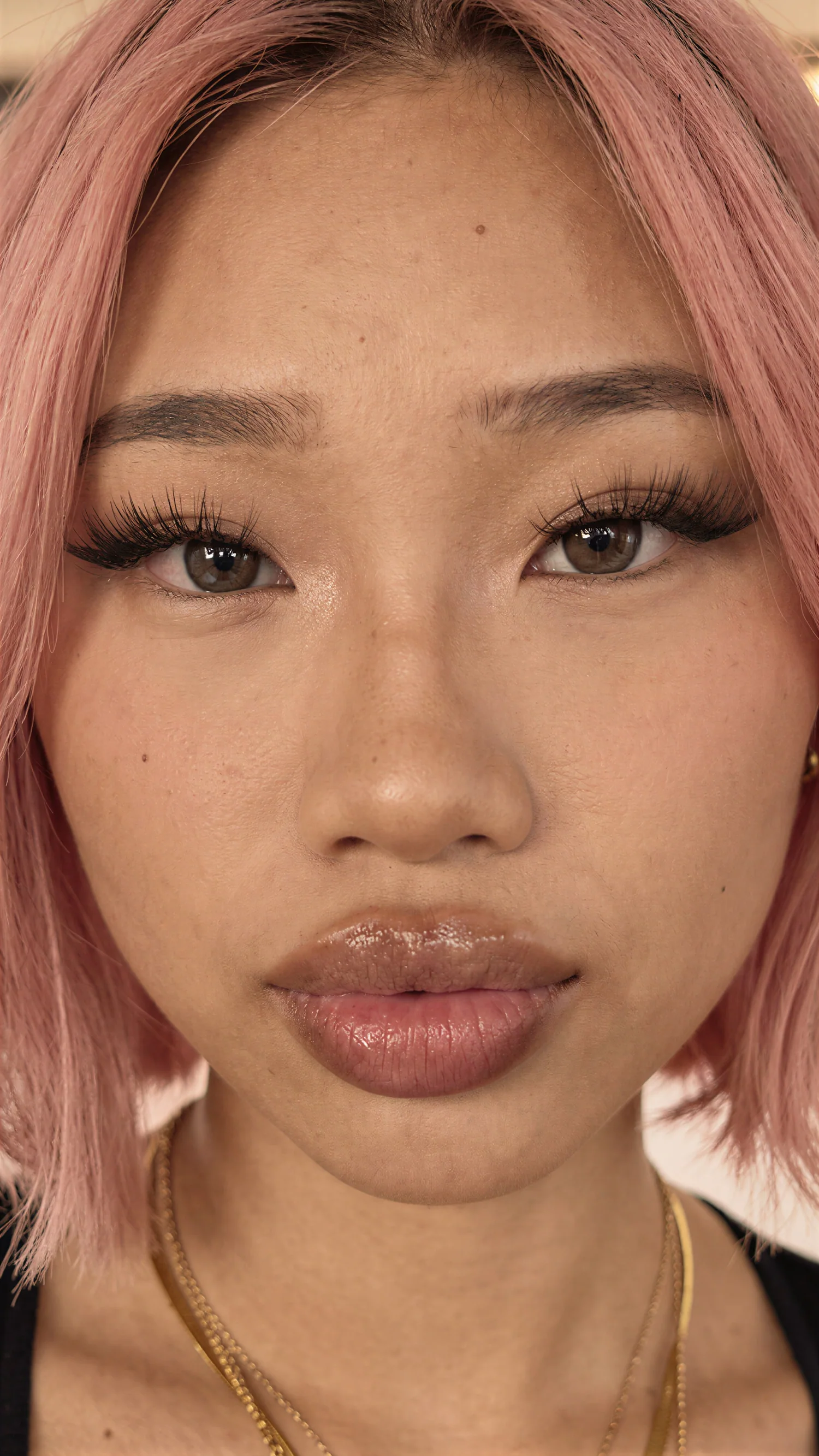
Realism polish
Overview
The catalog is split into generation, reference editing, enhancement, and roadmap lanes. The important decision is whether the user needs a clean prompt-first image, a reference transformation, or a finishing pass on an existing image.
image lanes
active or beta
reference-first
source-sized
Creator workflow
Start with the job the image has to do. New concept, controlled reference, heavy edit, or final polish: each lane has a different strength.
Open brief
Locked source
Rebuild scene
Final pass
Image models
Prompt-first image models for clean stills, concepts, product scenes, and cinematic looks.
 Available
 Identity stills
Signature realism for solo characters and polished mood images.
A prompt-first realism lane for creating a finished image from nothing but a written scene. It is strongest when the brief is clean, visual, and centered around one subject or one clear mood.
Text-to-image realism lane. The written prompt controls the subject, camera, ratio, lighting, negative space, and finish. No uploaded image influences identity or pose.
AI identity shots, beauty portraits, social stills, quick visual direction.
Give it a clear subject, lens, lighting, outfit, and one mood anchor.
Do not use it when a specific uploaded face must be preserved. Avoid stacking multiple unrelated scenes into one prompt.
Default Precision image

The clean instruction follower for exact details and multi-reference composition.
The most instruction-accurate general image lane. It is the best choice when the user needs exact objects, text-like layout discipline, product cleanliness, or several references blended into one controlled result.
Instruction-first image lane with optional reference support. It is strongest when the brief contains exact layout, object, identity, color, and composition rules.
Product shots, exact scene requests, clean edits, multi-reference compositions.
Be explicit about layout, object positions, exact colors, and what must stay unchanged.
Do not upload references without explaining their role. Do not rely on vague words when exact placement matters.
 Available
 Cinematic image

A cinematic still model for beauty, fashion, people, and detailed scene direction.
A cinematic still lane for beauty, fashion, people, atmosphere, and scene direction. It responds well to cinematic language and can use references when the user wants a specific person, outfit, or location feeling.
Cinematic prompt and reference lane for people, beauty, fashion, and environment-heavy stills. It benefits from director-style language and clean visual hierarchy.
Fashion editorials, beauty stills, lifestyle scenes, atmospheric portraits.
Lead with cinematic context, then subject details, then lighting and camera language.
Do not mix too many incompatible style directions. Avoid weak prompts that only say beautiful, cinematic, or realistic.
Available Stylized stills

Fast sharp compositions with bold lighting and stylized prompt response.
A fast stylized still lane for sharp visual ideas, bold lighting, and cinematic thumbnails. It is useful when the user wants punchy composition quickly instead of slow high-control refinement.
Fast stylized composition lane. It is built for bold visual direction, strong framing, lighting experiments, and quick high-end image concepts.
Storyboards, bold concept art, cinematic thumbnails, quick visual alternates.
Use strong composition words and one clear lighting idea.
Do not use it as the final precision lane for complex product layouts. Avoid overloading the prompt with too many characters.
Models that need one or more uploaded images and transform them into the final result.
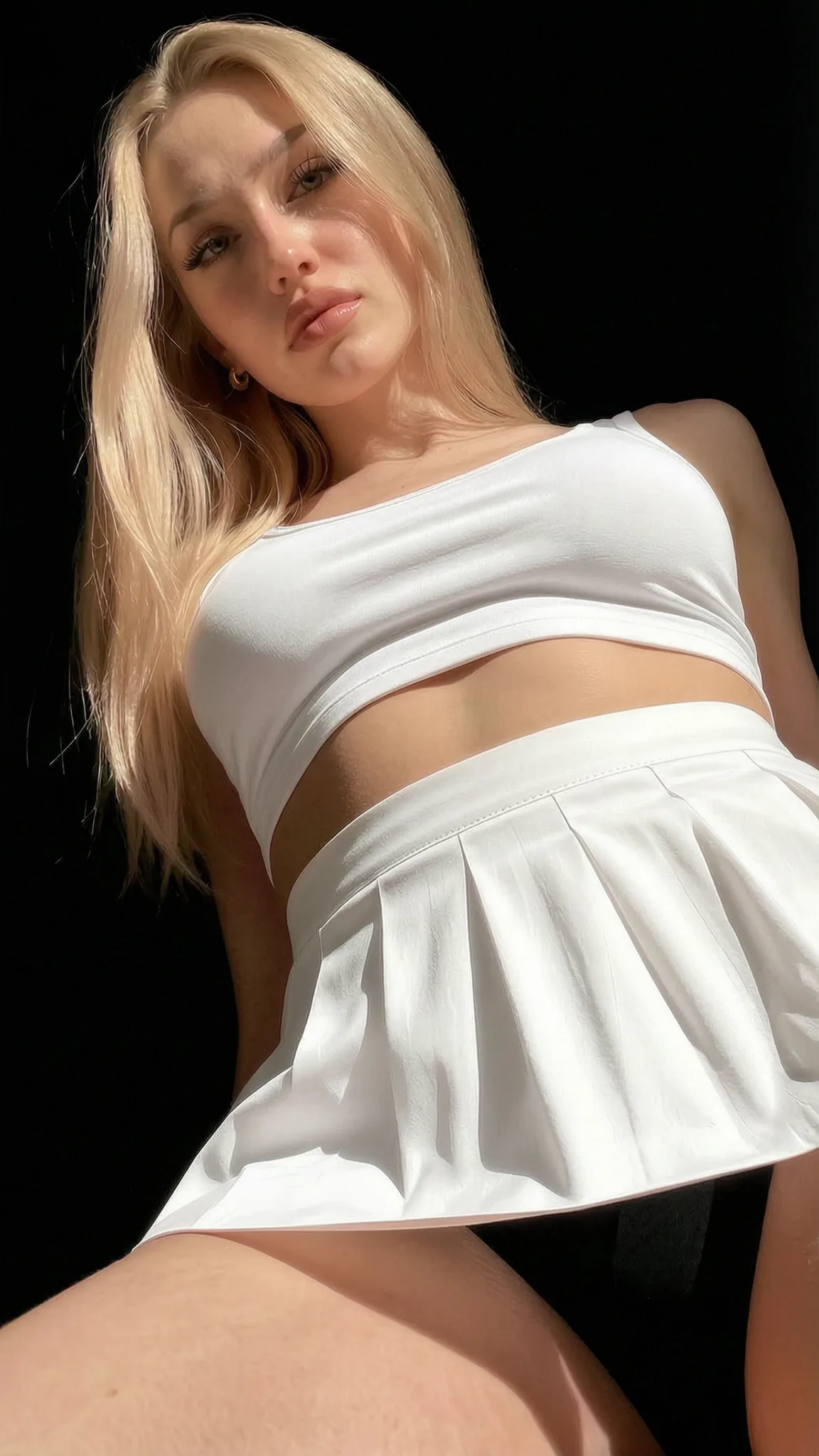 Beta
Beta Reference transform

One primary reference plus a scene prompt for outfit, setting, and action changes.
A reference transformation lane. Upload one primary image, then describe the new scene, outfit, environment, pose, or mood. It is built for taking a person or object from the source and placing it into a fresh composition.
Reference transformation lane. One primary image anchors the subject, then the prompt moves that subject into a new scene, outfit, action, or visual style.
Put this person into a new scene, outfit, pose, or visual concept.
Tell it what to keep from the reference and what to replace in the final scene.
Do not use blurry or heavily cropped references. Do not expect it to combine several unrelated people from one image with perfect separation.
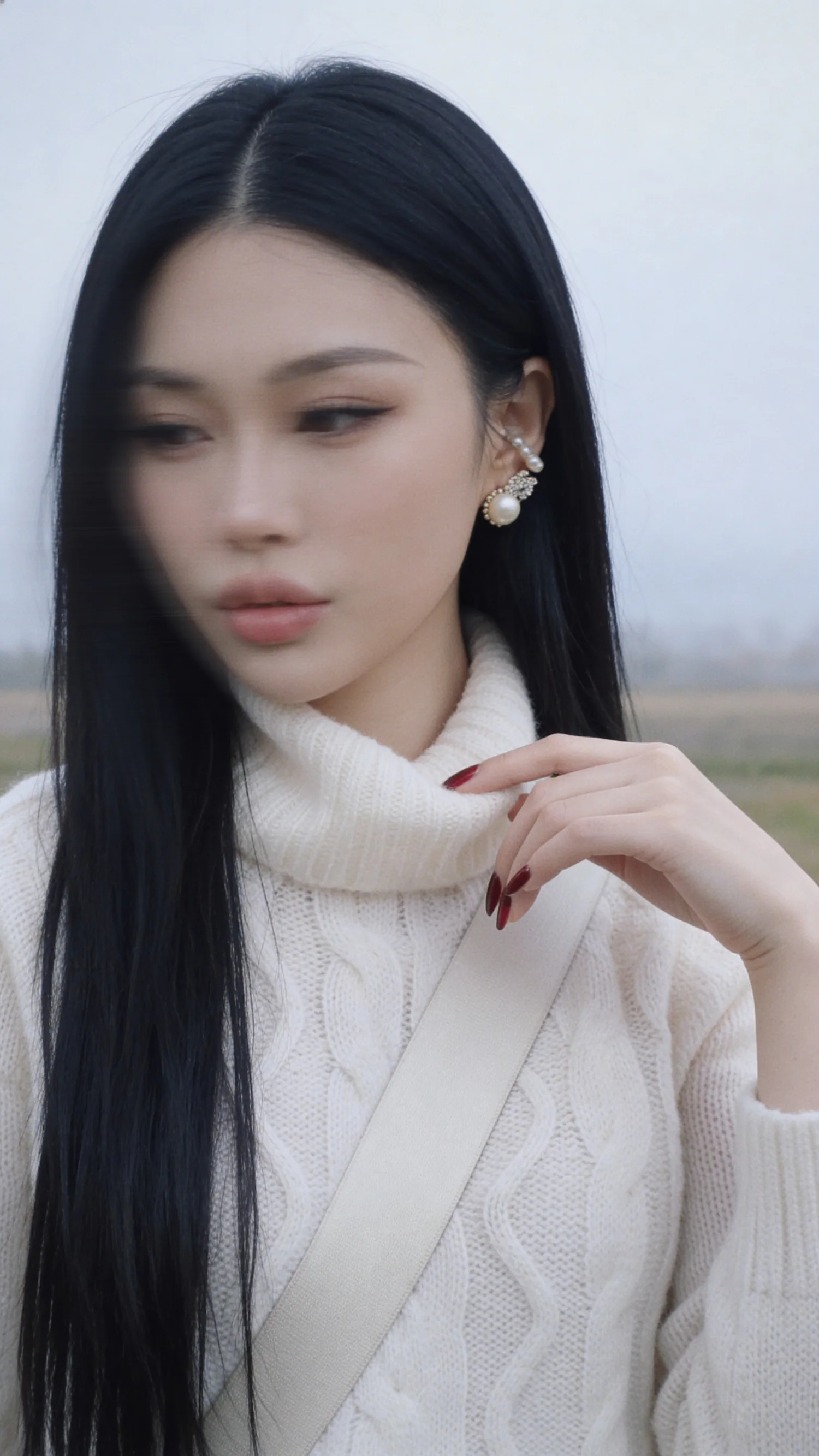 Available
 Scene edit
Reference-based scene composition for one subject, multiple subjects, or pose control.
A scene-composition editor. It can use one subject, add a second subject, and optionally follow a pose reference while rebuilding the final scene around the written action.
Scene composition and edit lane. It accepts a main source, optional second image, optional pose guide, then rebuilds the final scene around the written action.
Changing a subject into a new action, scene, outfit, or multi-person composition.
Separate subject identity, new action, environment, and what should stay unchanged.
Do not upload optional references without saying what each one controls. Avoid asking for too many simultaneous body, scene, and identity changes in one pass.
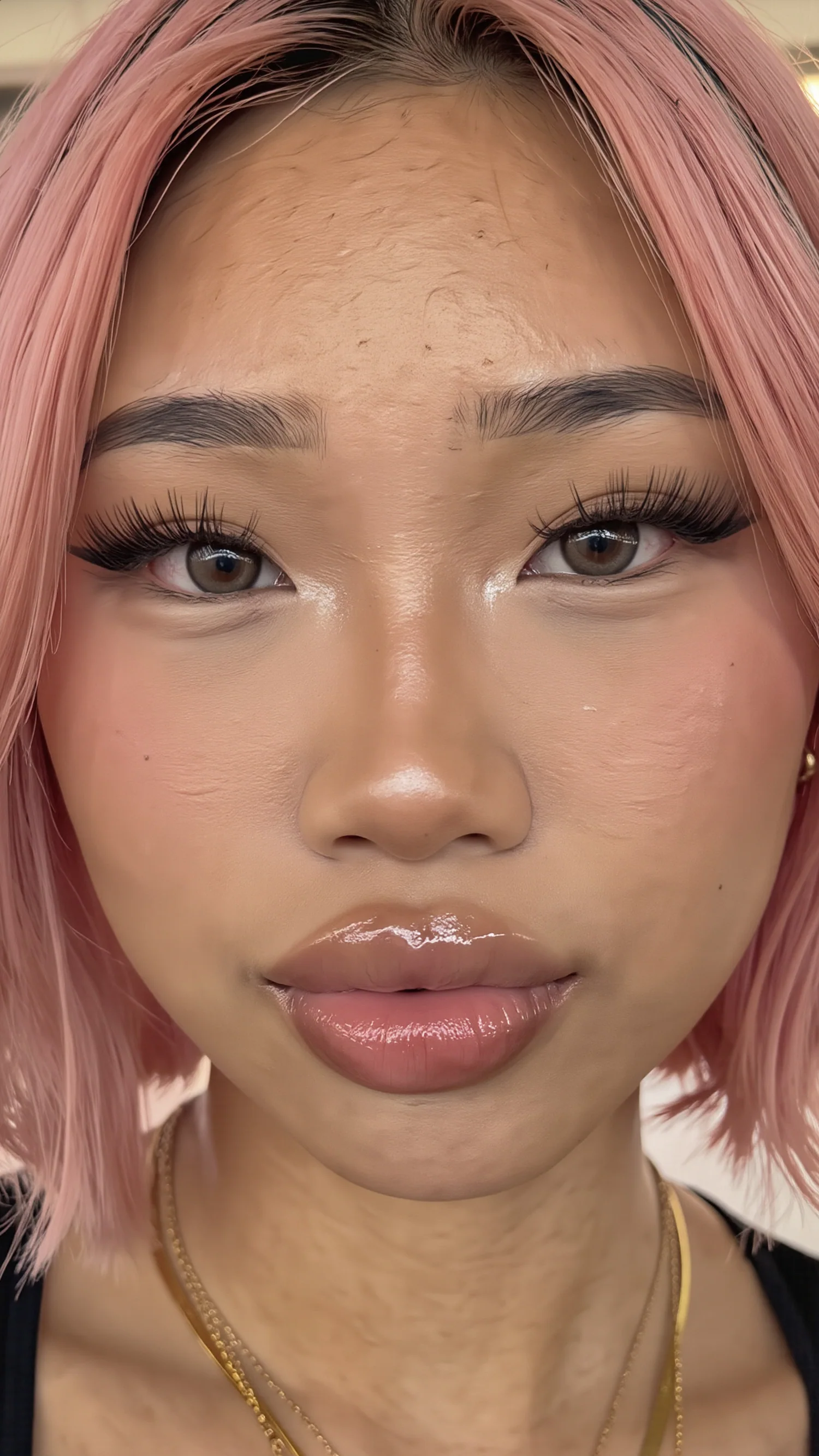 Available
 Face swap
Fast face transfer from a face reference onto a body or scene image.
A fast identity transfer lane. Upload a body or scene image and a separate face image; the result follows the body image for pose, outfit, and framing while transferring the face identity.
Fast face transfer lane. The body or scene image controls pose, clothing, background, and framing; the face image controls identity.
Quick identity transfer when you already have a body scene and face reference.
Use the body image for pose and clothing, the face image for identity.
Do not use tiny, blurry, side-profile face images. Avoid body images where the face is hidden, obstructed, or at an impossible angle.
Available Face studio
Premium head swap with a 4K finish for higher-end identity work.
The premium face-swap lane. It follows the same body-plus-face workflow as the fast swap, then applies a stronger finishing pass for cleaner high-resolution delivery.
Premium face transfer lane with a stronger finishing pass. It follows the same two-image contract as the fast swap but targets cleaner high-resolution delivery.
Final-ready face swaps, creator identity work, high-resolution outputs.
Use clean, front-readable face refs and a body image with the final pose.
Do not use it to invent a new body pose from text. Avoid mismatched extreme lighting between the face and body references.
Finishing models for realism, detail, sharpness, and lighting control.
Available Realism polish
Texture and realism enhancement for uploaded images with source dimensions preserved.
A realism and texture finisher for existing images. It is not for rebuilding the whole composition; it is for making an image feel more natural, detailed, less artificial, and more production-ready.
Realism finisher for an existing image. The source image drives structure and size; the short text note only tells the model what kind of realism pass to apply.
Fixing AI-looking skin, improving texture, polishing a finished reference.
Keep the note short: film texture, skin realism, natural light, or clean editorial finish.
Do not ask it to change the entire pose or scene. Do not use it to fix a fundamentally wrong composition.
Available Enhancement
Upload one image and sharpen, denoise, upscale, and finish it for delivery.
A final delivery enhancer. It sharpens, denoises, and upscales an existing image while keeping the original idea intact. Use it as the last step before publishing or sending an image to a user.
Pure enhancement lane. The source image is the brief; the model sharpens, denoises, upscales, and adds a controlled final finish.
Final pass on good images, delivery polish, cleaner social or print output.
The source image is the brief. Pick 2K for speed, 4K for final delivery.
Do not expect pose, wardrobe, or background changes. Avoid sending low-value drafts through 4K just because the option exists.
Available Light edit
Preserve the image while changing direction, intensity, and color of light.
A lighting-control tool for finished images. It keeps the subject and composition intact while changing key-light direction, strength, color, and cinematic bloom.
Lighting-control lane. It preserves the subject and composition while rewriting the direction, intensity, color, and cinematic bloom of the light.
Turning flat images into studio, rim light, warm gold, neon, or moody looks.
Choose light direction first, then intensity and color.
Do not use it before the image composition is approved. Do not expect identity, outfit, or background edits from the light controls.
Visible roadmap lanes that will become production tools after testing.
 Available
 Adult creator model
Vertical creator portrait lane with locked photorealism and safety anchors.
Two-stage character portrait pipeline. Stage 1 builds the body and scene from your prompt on a realism-tuned SDXL checkpoint, locked at 896×1536. Stage 2 transfers the face and hair from your uploaded reference using Flux2 Klein, preserving the body pose, clothing, and lighting from stage 1. Photorealism + quality + safety anchors are baked in on every gen, so your prompt only describes scene and pose intent.
Two-stage vertical creator portrait lane. Stage 1 generates the body and scene on a realism-tuned SDXL checkpoint at a fixed 896×1536. Stage 2 transfers face + hair from the uploaded reference using Flux2 Klein, preserving body pose, clothing, and lighting from stage 1.
Spicy creator portraits, vertical character imagery, repeatable identity work.
The style anchor ("beautiful woman, photorealistic, high quality, detailed skin texture") and a tuned safety negative are locked on every gen. Your prompt adds scene, pose, outfit, and mood; you do not need to write style or quality tokens.
Do not rewrite the style anchor — your prompt sits on top of it, not in place of it. Do not pass quality tokens; they are duplicated by the locked positive anchor. Do not expect ratios other than 9:16 — the latent is fixed.
Video models & pricing
Every Kiara Spicy video runs on Seedance 2.0 — a multimodal engine that turns text, reference images, clips and audio into footage. Pick a tier for the quality you need, and pay only by the second you generate. Here are the models, their specs, and exactly how the price is built — with a live calculator.
Every tier is Seedance 2.0 under the hood — the same multimodal inputs. What changes is the quality ceiling, the top resolution, and the price.
Fast, low-cost drafts and high-volume runs. Native 480p/720p, upscaled higher.
The balanced standard — sharp, fast multimodal video for everyday work.
Highest-fidelity renders for hero shots and finals. Adds true 2K output.
| Capability | Mini | Seedance 2.0 | Dream Pro |
|---|---|---|---|
| Native resolution | 480p / 720p | 480p / 720p | 720p |
| Top resolution | 1080p | 1080p | 2K |
| Clip length | 4–15s | 4–15s | 4–15s |
| Text-to-video | ✓ | ✓ | ✓ |
| Reference images | up to 9 | up to 9 | up to 9 |
| Reference clips | up to 3 | up to 3 | up to 3 |
| Reference audio | ✓ | ✓ | ✓ |
| Relative speed | Fastest | Fast | Standard |
| Price tier | Lowest | Standard | Premium |
Longer clips cost proportionally more, and a higher tier costs more per second. Same length, three price points.
Every second of generated video has a rate. A 10-second clip costs twice a 5-second one. Higher resolution and higher tiers raise the per-second rate.
When you guide a render with a reference video, we process its full length too — so its seconds are added to the billed total on top of your output length.
Very short clips carry a fixed minimum billed length, because every render has a baseline cost. Past that, you simply pay for the seconds you use.
Set it up exactly like you would in the studio. This lands on the same number you'll be charged.
Total seconds of clips you attach to guide the render. Leave at 0 if you're not using reference video.
A standard clip with no reference video, at 720p, in credits. Mini is the cheapest way to generate.
| Model | Resolution | 5 sec | 10 sec | 15 sec |
|---|
Prices include everything — no hidden fees, and reference images are always free. You see the exact cost before you generate.
Production stacks
Prompt to publish
Reference redesign
Identity swap
Light direction
Support overview
| Model | Best use | Input | References | Output | Quality path |
|---|---|---|---|---|---|
| Kiara Z MAX 2 | AI identity shots, beauty portraits, social stills, quick visual direction. | Prompt only | No upload required | Square, wide, or vertical | Fast, Standard, or High finish |
| GPT 2 | Product shots, exact scene requests, clean edits, multi-reference compositions. | Prompt, or prompt plus images | Up to 8 optional references | Square, wide, or vertical | Medium or High detail |
| Wan2.7 Image Pro | Fashion editorials, beauty stills, lifestyle scenes, atmospheric portraits. | Prompt, or prompt plus images | Up to 8 optional references | Square, wide, or vertical | Balanced production finish |
| Kiara Vogue | Storyboards, bold concept art, cinematic thumbnails, quick visual alternates. | Prompt, or prompt plus images | Up to 4 optional references | Square, wide, or vertical | Standard or 2K output |
| Nano Banana | Put this person into a new scene, outfit, pose, or visual concept. | One image plus a scene prompt | 1 required primary reference | Square, wide, or vertical | High-resolution composed result |
| Kiara Realism | Fixing AI-looking skin, improving texture, polishing a finished reference. | One source image plus a short style note | 1 required source image | Source shape preserved | 2K realism polish |
| Kiara Sharp X | Final pass on good images, delivery polish, cleaner social or print output. | One source image | 1 required source image | Source shape preserved | 2K fast finish or 4K final finish |
| Kiara Edit Base | Changing a subject into a new action, scene, outfit, or multi-person composition. | Image references plus a scene prompt | 1 required, 2 optional | Source shape preserved with high-end finish | Detailed composite output |
| Face Swap Base | Quick identity transfer when you already have a body scene and face reference. | Body image plus face image | 2 required references | Matches body image shape | Fast clean swap |
| Kiara Style | Outfit experiments, wardrobe try-ons, look variations from a single character. | Two references — character first, outfit source second | 2 required references in order | Matches character image shape | Fast clean swap |
| FaceSwap PRO | Final-ready face swaps, creator identity work, high-resolution outputs. | Body image plus face image | 2 required references | Matches body image shape | 4K premium finish |
| Light Editor | Turning flat images into studio, rim light, warm gold, neon, or moody looks. | One finished image | 1 required source image | Source shape preserved | Controlled relight pass |
| Kiara Spicy I | Spicy creator portraits, vertical character imagery, repeatable identity work. | Face reference plus scene prompt | 1 required face reference | Vertical creator format (896×1536, fixed) | Locked photorealism + safety anchors |
Prompting
Identity stills
Precision image
Cinematic image
Stylized stills
Reference transform
Realism polish
Enhancement
Scene edit
Face swap
Outfit swap
Face studio
Light edit
Adult creator model
Roadmap
This first page is the static catalog. The next pass can wire it to the live `/api/dream/image` response, expose availability status, add example outputs per model, and let Lexa recommend the right lane from a user brief.
18+ ONLY
KIARA SPICY contains AI-generated explicit material intended for adults. By entering you confirm you are at least 18 years old (21 where required) and consent to viewing adult content under the laws of your jurisdiction.
By choosing Enter you affirm under penalty of perjury that the information above is true.
Continue with one of the methods below.
Check your inbox
We sent a magic link to …. Click it to finish signing in. Link expires in 15 minutes.